

 |
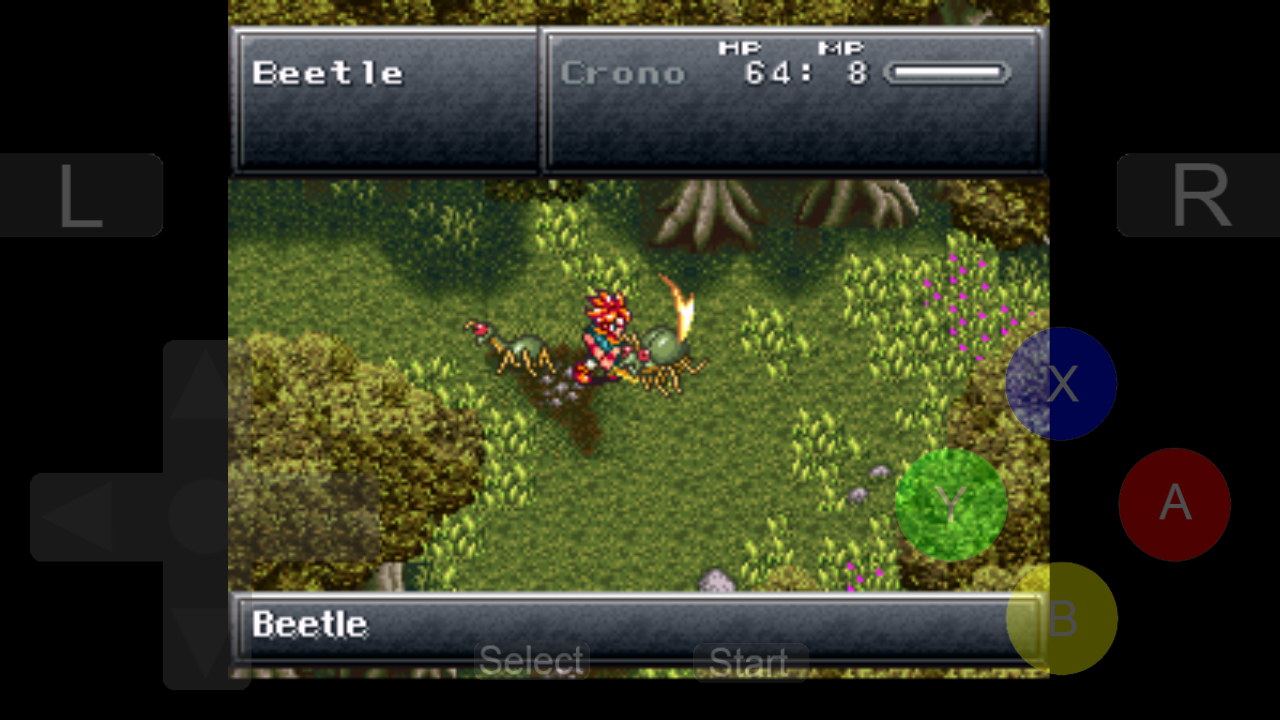
| Chrono Trigger, still one of the best Japanese RPGs |
One of the newer and perhaps more impressive emulator on the platform is Snes8x, an emulator for old time gamers who wishes to relive their favourite childhood SNES games, many of which rivals even modern gaming. What is a SNES? Well any self respecting gamer will know about the SNES, Nintendo's second home console. The Super Nintendo is known to have created a whole new generation of gamers - in fact its influence can be felt up to now. Many of today's famous franchises such as The Legend of Zelda, Metroid, Final Fantasy and Street Fighter flourished on it. It isn't a surprise that the SNES became the dominant 16-bit home console to own in the early to mid 1990s.
 |
| RPGs like Final Fantasy VI plays well on a touchscreen display |
Snes8x code is based on Snes9x, a popular free SNES emulator that works on a variety of platforms including Android and Windows. For a freeware app, Snes8x features a high list of features including options of import and export both game and save states via SkyDrive and portrait/landscape mode. The app also supports full screen mode, but this stretches the game to fill the display, ruining the aspect ratio. ROMs have to be uploaded to a SkyDrive account, of which every Windows Phone users will have one anyway, before being downloaded via the Snes8x import utility app. Update: with the latest version, Snes8x now allows you to import ROM files via e-mail attachments or direct download from a webpage - awesome! It's a painless process. Individual games can even be pinned onto the start screen.
